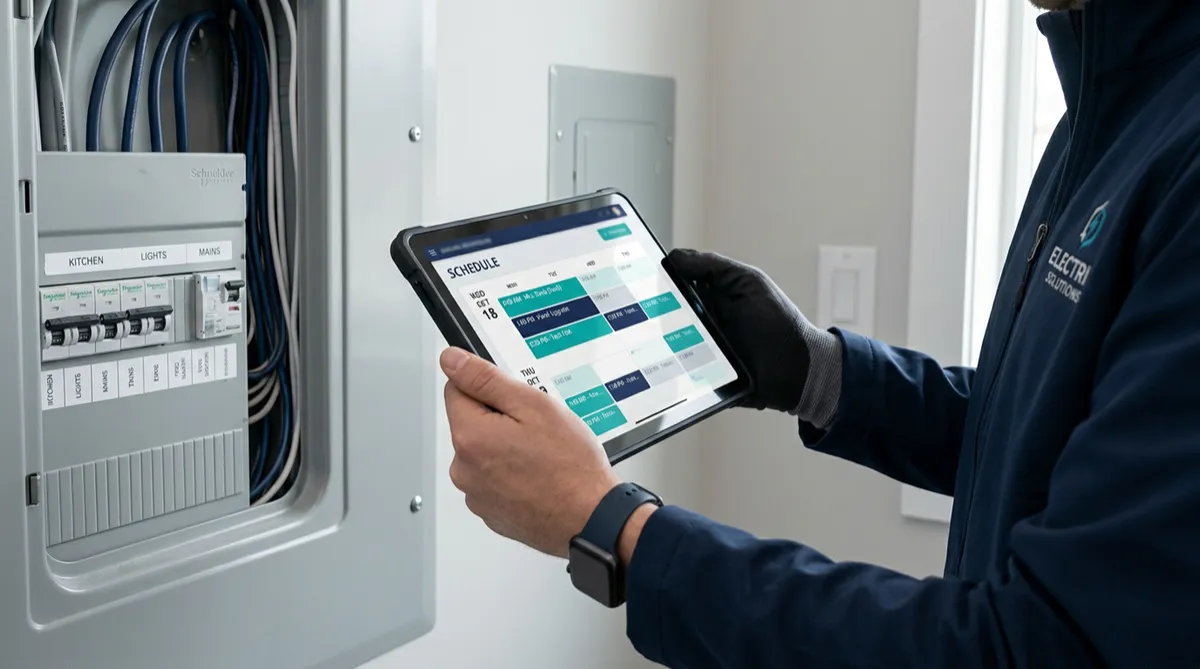
Electrician Appointment Booking: Automate Scheduling and Stop Phone Tag
Scheduling should not require a chain of missed calls
Electrical service requests vary widely. One caller may need an estimate for a planned installation; another may have a fault that needs prompt attention. The office may be coordinating technicians, checking travel routes and answering questions while a new caller waits for a response.
When a customer and a busy team keep missing each other, the appointment can stall before anyone has established what work is needed. That delay can cost a real opportunity and add administrative effort: repeated callbacks, duplicated notes and uncertainty about whether a visit is confirmed.
Want to make booking easier for customers without sacrificing control of your schedule?
Start by deciding which visits can be booked
Not every call should go straight onto a calendar. Define the appointment types the business offers, the service areas covered, typical visit lengths and which requests need a person to review them first. Estimates, troubleshooting, inspections and installation consultations may each require different preparation or technician skills.
Keep the booking rules grounded in actual operations. Include travel buffers, business hours, emergency capacity and any information a technician needs before the visit. If availability changes frequently, only offer time slots that the team can keep current.
Collect enough information to make the visit useful
An AI receptionist for electricians can answer routine questions, gather the request and guide the customer toward a booking or callback. A short intake might ask for the caller's name, contact information, service address, type of property, reason for the visit and preferred availability.
Ask only what is needed to route or schedule the request. Do not make a diagnosis or give safety instructions beyond the approved guidance. When a caller describes a potentially dangerous situation or asks a question that requires an electrician's judgment, make the route to a qualified person clear.
Automate the handoff, not just the calendar
A calendar slot alone does not finish the process. The customer should receive a confirmation with the date, arrival window, address and what to expect. Staff should see the request details, know who owns the appointment and have a way to contact the customer if the schedule changes.
Use appointment scheduling for electrical service visits with rules that match your capacity. If the system cannot verify the correct job type or technician, let the customer submit a preferred time and have staff confirm it. Avoid calling a request “booked” until the slot is truly reserved.
Connect booking with lead capture for estimate and service inquiries so a request that is not immediately scheduled still has a next action. Give every inquiry an owner, a callback status and a reasonable follow-up target.
Reduce phone tag with clear choices
When customers can select from a small set of real options, they do not need to wait for a callback just to begin scheduling. Offer a request form or guided call flow that asks when they are available and whether they prefer a call or text. Confirm the channel before sending updates, and keep messages focused on the appointment.
For people who prefer to speak with staff, preserve an easy human path. Automation should reduce repeated coordination, not trap callers in a menu. A person should be able to correct a request or ask about a nonstandard project.
Related guidance includes capturing after-hours HVAC requests and building a dependable first response for service calls.
Talk through your booking rules, inquiry handoffs and customer confirmations with a practical setup specialist.
Keep the system accurate
Assign someone to maintain appointment types, hours, service boundaries and blocked time. When a technician is unavailable or a seasonal schedule changes, update availability promptly. Periodically test a new booking from start to finish, including the notification received by the customer and the details visible to staff.
Track requests, confirmed appointments, reschedules, cancellations and missed visits. If many inquiries require staff correction, the booking questions or rules may need attention. If customers often fail to confirm, make the confirmation message clearer and simplify the next step.
Frequently asked questions
Should every electrician appointment be booked automatically?
No. Automate only appointment types with reliable rules and availability. Route complex projects, uncertain service needs or safety-sensitive situations to a qualified person.
What if the customer is not ready to choose a time?
Capture their contact details, request and preferred callback window, then assign follow-up to a staff member. Make clear that no appointment is confirmed yet.
How can we avoid double-booking?
Use one authoritative schedule, keep staff calendars current and test how changes sync. For any slot that is not verified in real time, use a request-and-confirm process.
Make the next appointment easier to book
A useful booking system combines clear intake, accurate availability and reliable confirmation. Request a call to set up AI reception, lead capture and appointment scheduling to fit your electrical services and team's workflow.
